Installing Smart Collections Builder
Installing Smart Collections Builder is quick and straightforward—no coding or technical setup required. Within a few minutes, you'll be ready to start creating automated collections.
Before Installation
Here's what you should know:
- You need to be logged in to your Shopify admin.
- The app works with all Shopify plans.
- Installation doesn't affect your existing collections or products.
- You can start with a 3-day free trial on Starter, Pro, and Business plans.
Installation Steps
Step 1: Log in to your Shopify admin panel.
Step 2: Visit the Smart Collections Builder page on the Shopify App Store.
Step 3: Click Install to add the app to your store.
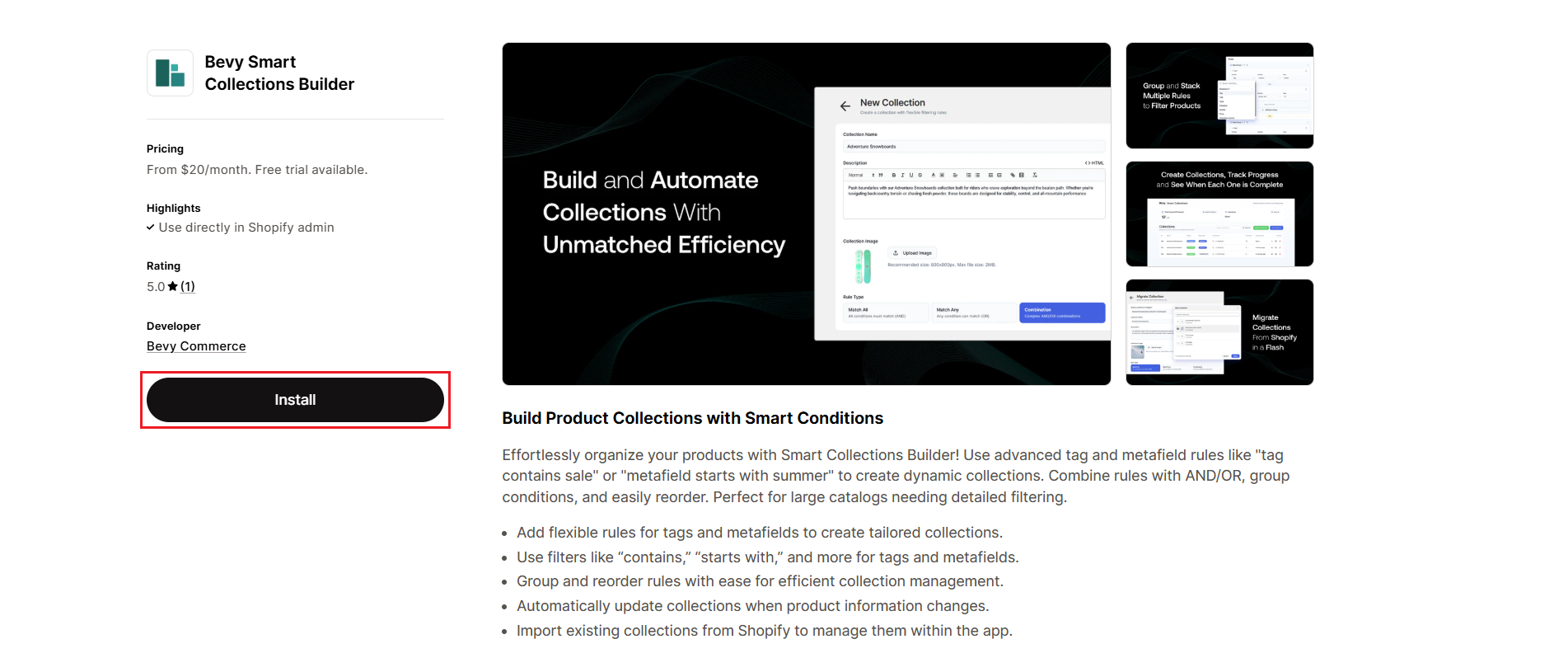
Step 4: Review the app permissions and click Install app to confirm.
Step 5: Choose a subscription plan that fits your store size. Don't worry—you can always change this later!
What Happens Next?
Once installed, Smart Collections Builder automatically syncs with your Shopify product catalog. Depending on how many products you have, this initial sync may take a few minutes.
After the sync completes, you'll see:
- Your total synced products displayed in the dashboard.
- The option to create new collections or migrate existing ones.
- Full access to all app features based on your selected plan.
First Steps After Installation
Here's what we recommend doing first:
- Explore the dashboard: Get familiar with the interface and available options.
- Check the sync status: Make sure all your products have been imported.
- Try creating a simple collection: Start with basic rules to see how it works.
- Migrate an existing collection: If you have Shopify smart collections, bring them into the app.
For a detailed walkthrough of the dashboard, check out our Dashboard Overview article.
Need Help?
If you run into any issues during installation or have questions about getting started, we're here to help! Reach out via live chat or email us at support@bevycommerce.com.